Practical workshops
Build a shared foundation.
Learn tool choice, prompting, responsible use, workflow design, automation, and AI-assisted building in context.
Explore the workshop formatsFrom learning to implementation
Start with a practical workshop or bring us a defined implementation challenge. We usually recommend learning together before building.
Practical workshops
Learn tool choice, prompting, responsible use, workflow design, automation, and AI-assisted building in context.
Explore the workshop formatsConsulting & implementation
Scope a real use case, choose an appropriate approach, build a first version, and review it responsibly.
Explore implementationFree workshop for nonprofit teams
A focused introduction to better prompting, useful workflows, no-code automation, and AI-assisted coding.
Tools in context
From everyday AI tools to advanced automation.
The curriculum scales to the time and priorities available.
Easy to host for distributed teams and organizations.
Workshop curriculum
The session moves from choosing tools to applying them across the writing, research, communications, and operations work nonprofits do every day.
Start with a clear view of the landscape and match each kind of work to the right tool.
Structure better conversations while keeping privacy, accuracy, and human review in view.
Connect familiar nonprofit work to specific ways AI can reduce drafting, research, and coordination time.
See how Make connects everyday tools into useful, repeatable workflows.
Understand what tools such as Claude Code add when a workflow needs to go beyond no-code platforms.
Examples can be shaped around fundraising, communications, volunteer programs, operations, research, or internal knowledge.
Free workshop for kids, teens, and adults
A focused introduction to choosing tools, prompting well, thinking critically, and using AI to learn, create, and build.
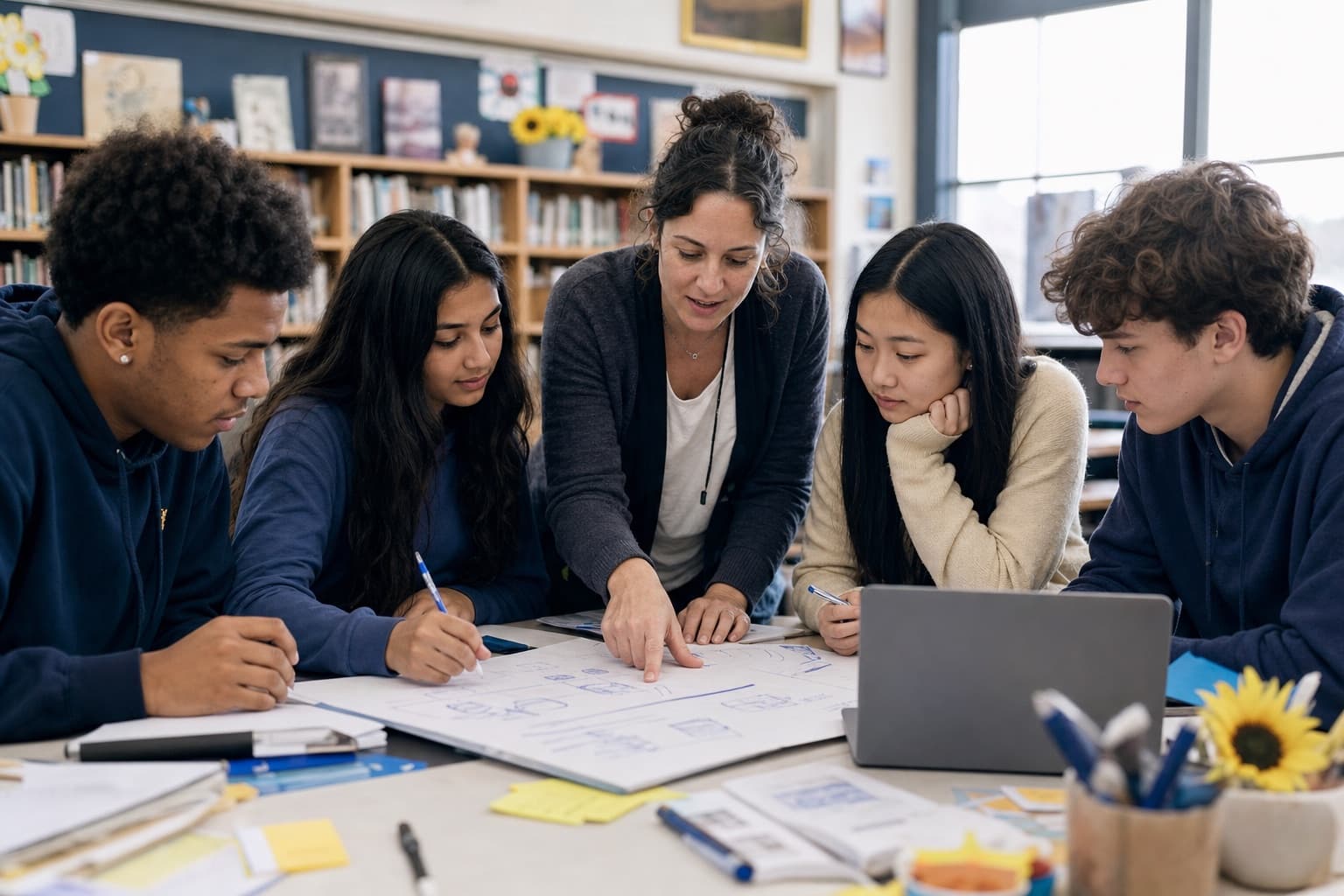
From responsible tool choice to building with AI.
The curriculum scales to the time and priorities available.
Flexible for schools, organizations, and community groups.
Workshop curriculum
The session connects responsible AI use to everyday goals, useful applications, and hands-on building with coding assistants.
Start with a clear view of what AI can and cannot do, then match different tasks to the right tools.
Structure better conversations while keeping privacy, accuracy, critical thinking, and human judgment in view.
Connect everyday goals and problems to practical ways general-purpose AI tools can help.
Use tools such as Claude Code to turn an idea into something working while keeping human judgment in the loop.
Examples connect general-purpose AI tools and coding assistants to goals participants care about.
Consulting & implementation
Implementation is available directly, but most organizations benefit from beginning with a workshop. Shared understanding helps teams make better choices and own what comes next.
Discuss a projectClarify the people, workflow, constraints, and outcome before choosing a tool.
Compare tools and decide whether the idea needs a workflow, automation, or small prototype.
Move toward a working first version, test it in context, and keep responsible review connected to the work.
Start a conversation
Tell us about your organization, the tools you are considering, and the workflows or ideas you want to explore.
You can come directly with an implementation challenge. We will recommend a workshop first when shared understanding would make the work stronger.
For kids, teens, and adults, tell us who the workshop is for and what they would like to learn or build. If a useful application emerges, we can discuss the right follow-on support.


